
Notexs Guide
Create Your First Workspace
Use workspaces and notebooks to give related notes and documents a clear home.
Start in Your Personal Workspace
Notexs opens into a personal workspace. A workspace contains notes, PDF documents, notebooks, tags, and document assets for a related body of work.
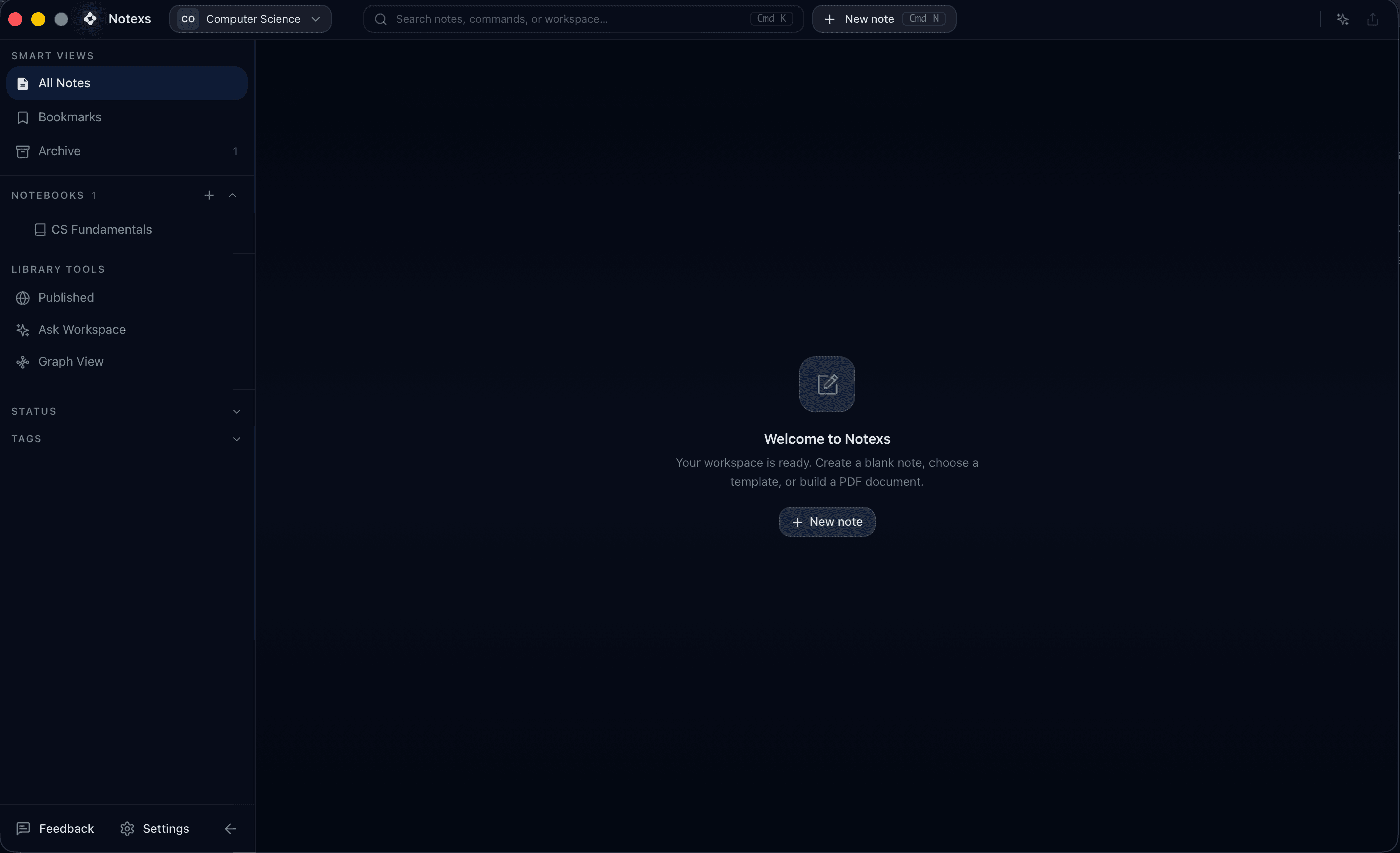
Empty workspace state
Start from a clean workspace with the sidebar, create actions, and first-step empty state visible.
Add a Notebook
Create notebooks from the sidebar when a project needs structure. Notebooks can hold Markdown notes and PDF documents, and notebook-level assets can be reused across related documents.
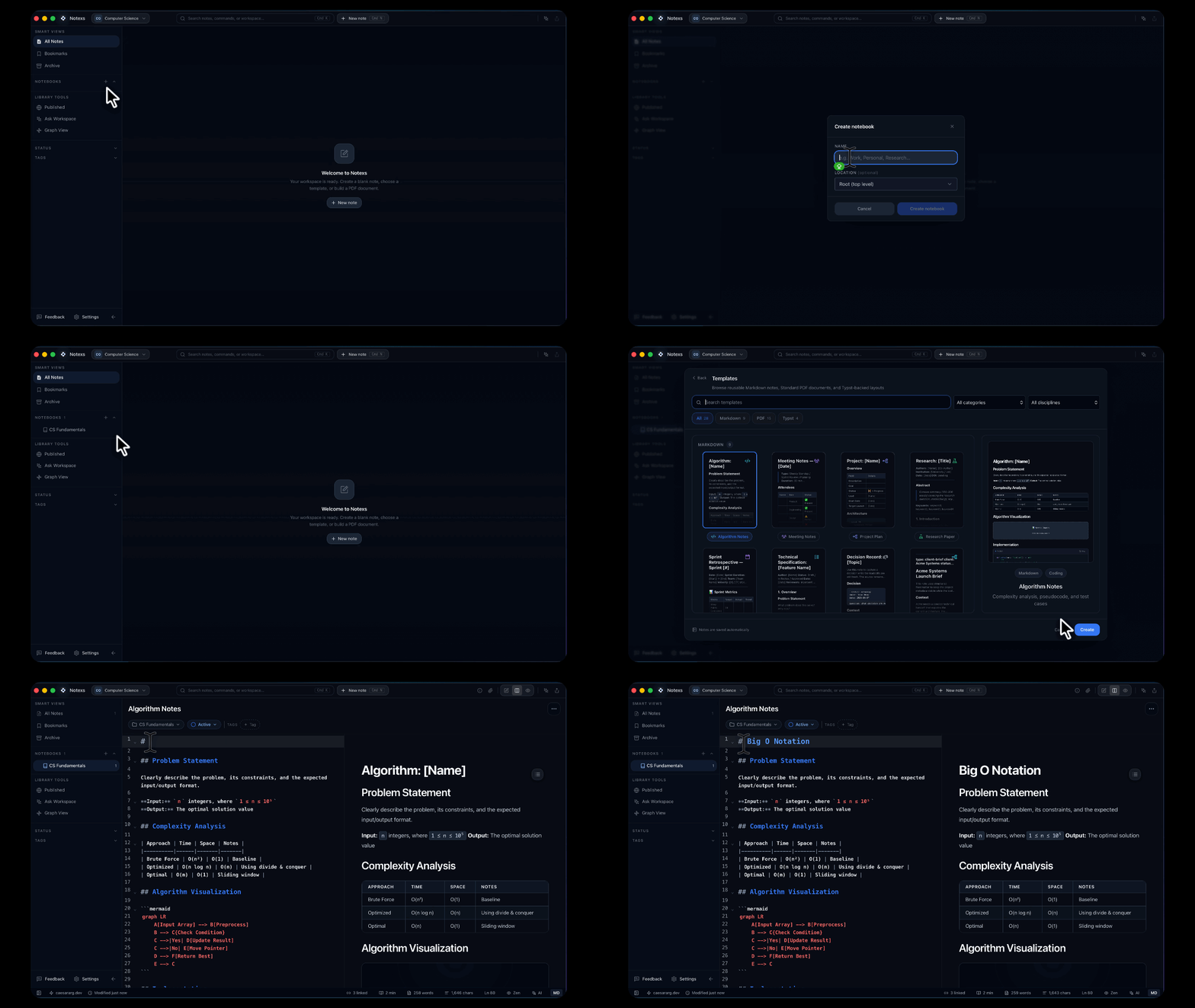
Create a notebook
Create a notebook from the sidebar, then add the first note or document inside it.
Choose a Document Type
Create a Markdown note for fast writing or a PDF document when the final page layout matters. You can use Cmd/Ctrl + N for the creation dialog, Cmd/Ctrl + Shift + N for a quick Markdown note, or Cmd/Ctrl + Alt + N for a quick PDF document.
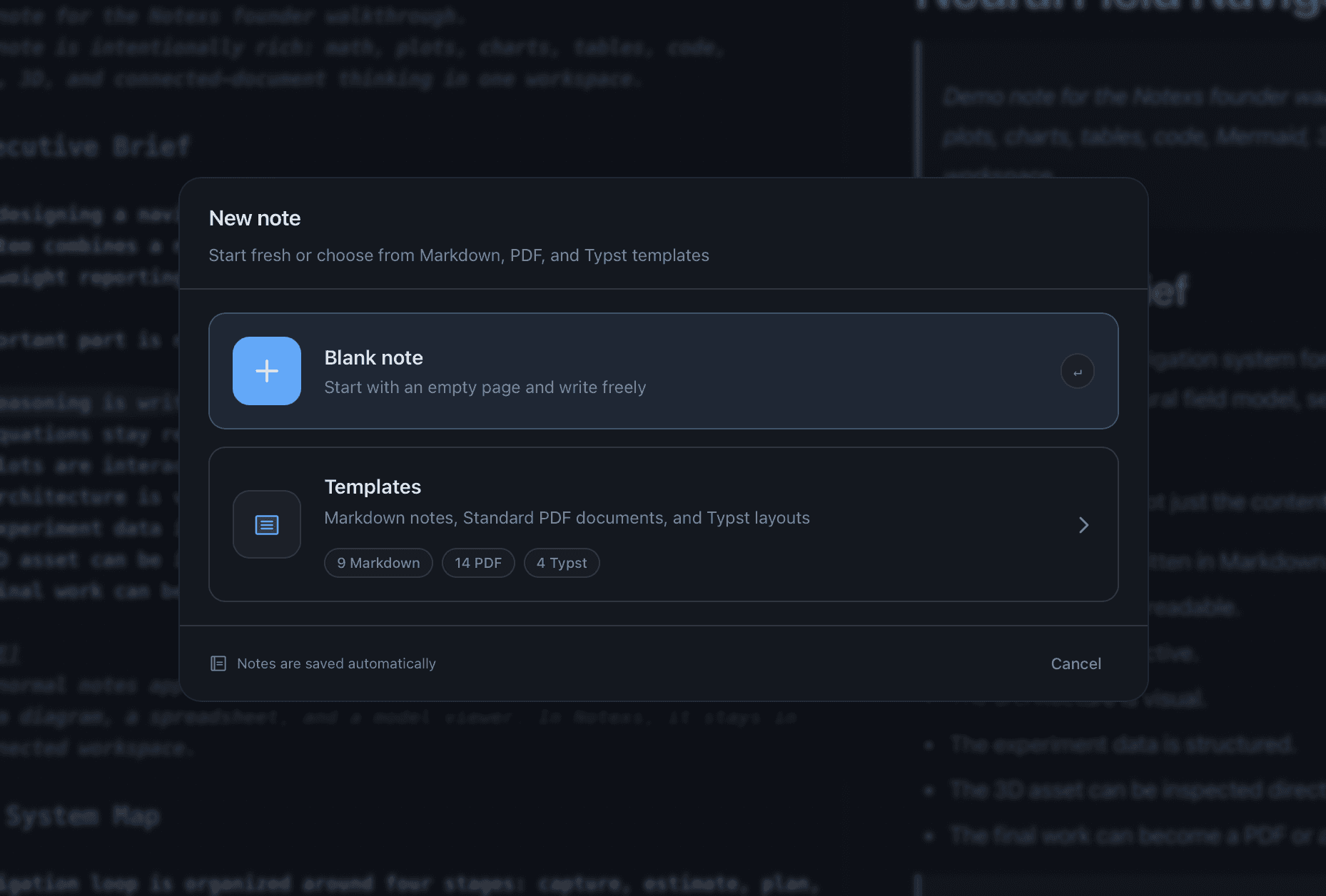
Document type chooser
Start with the document type that matches the job: a fast Markdown note, a standard PDF document, or a Typst-backed document for tighter layout control.